
This article contains affiliate links. We may earn a commission from qualifying purchases.
Some content on this site is AI-assisted and reviewed by our editorial team.
Every Thanksgiving weekend the tradition holds: you drag the ladder out in the cold, hang the display once, then trudge back outside every night to unplug it—because a few hundred old incandescent bulbs burning around the clock costs about $59 in electricity for one season. I ran that math after one ugly December bill and nearly fell off the ladder. The point of smart Christmas lights: a display you hang once should schedule itself—on at sunset, off at bedtime. You do the ladder once; everything after happens from your phone.
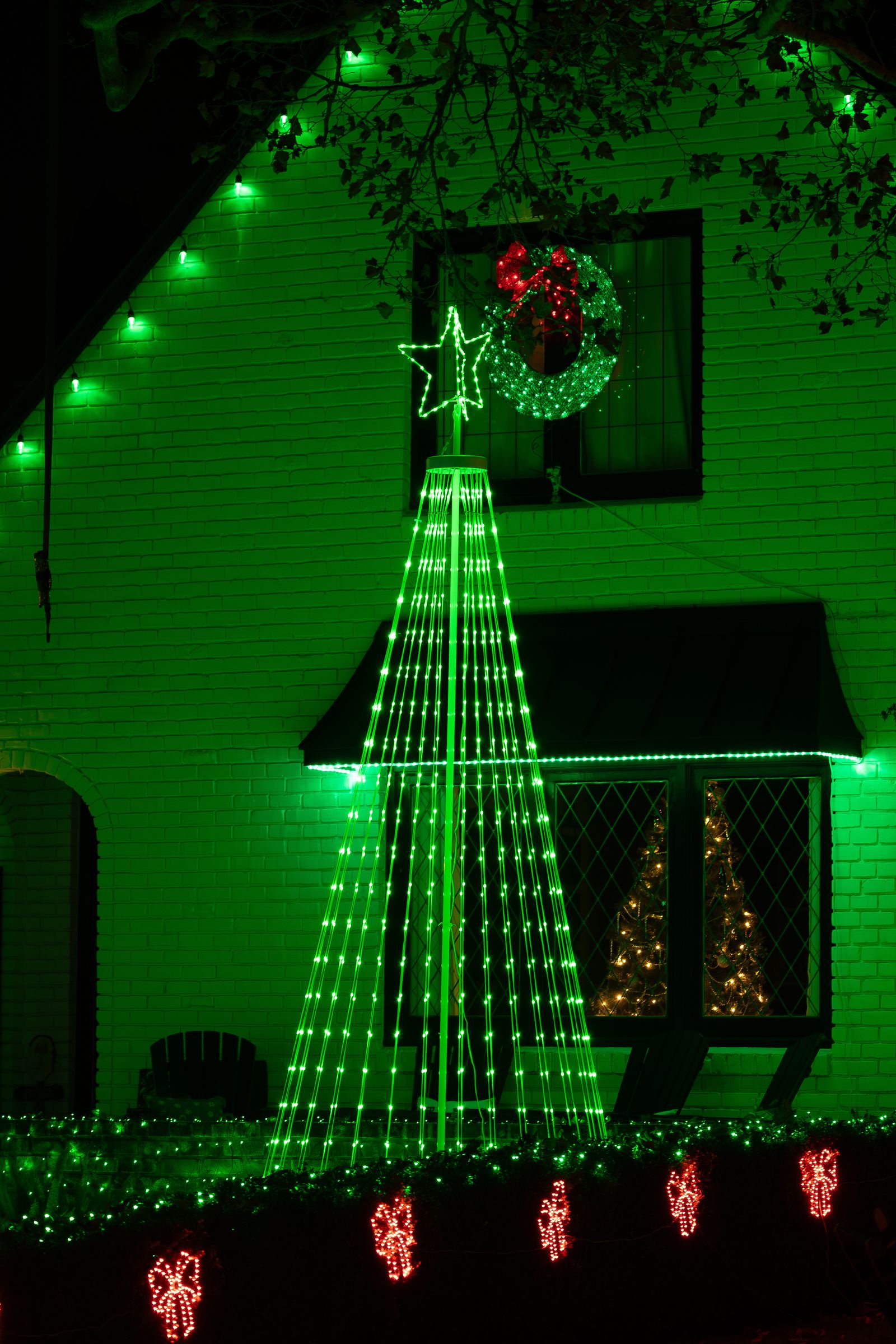
I’ve run four smart strands over three holiday seasons—one no-name set now lives in a drawer. The four below cover the jobs that matter: indoor sparkle, an animated roofline, big yards, and the tree—plus the $40 gadget that runs it all on autopilot.
Govee Christmas Sparkle String Lights (66ft)—Best Budget Smart Strand
Check price: Govee Christmas Sparkle String Lights, 66ft—about $120 at Amazon
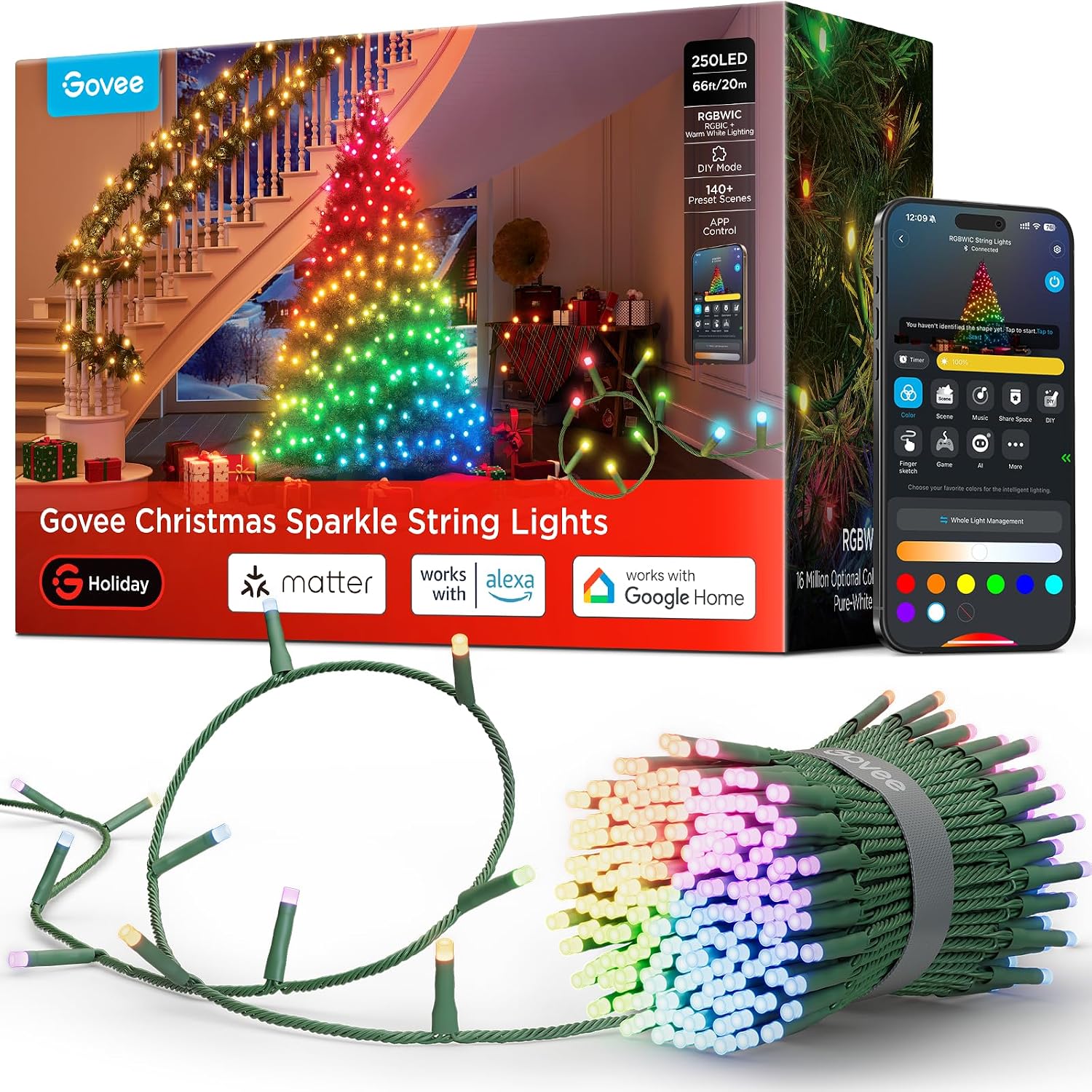
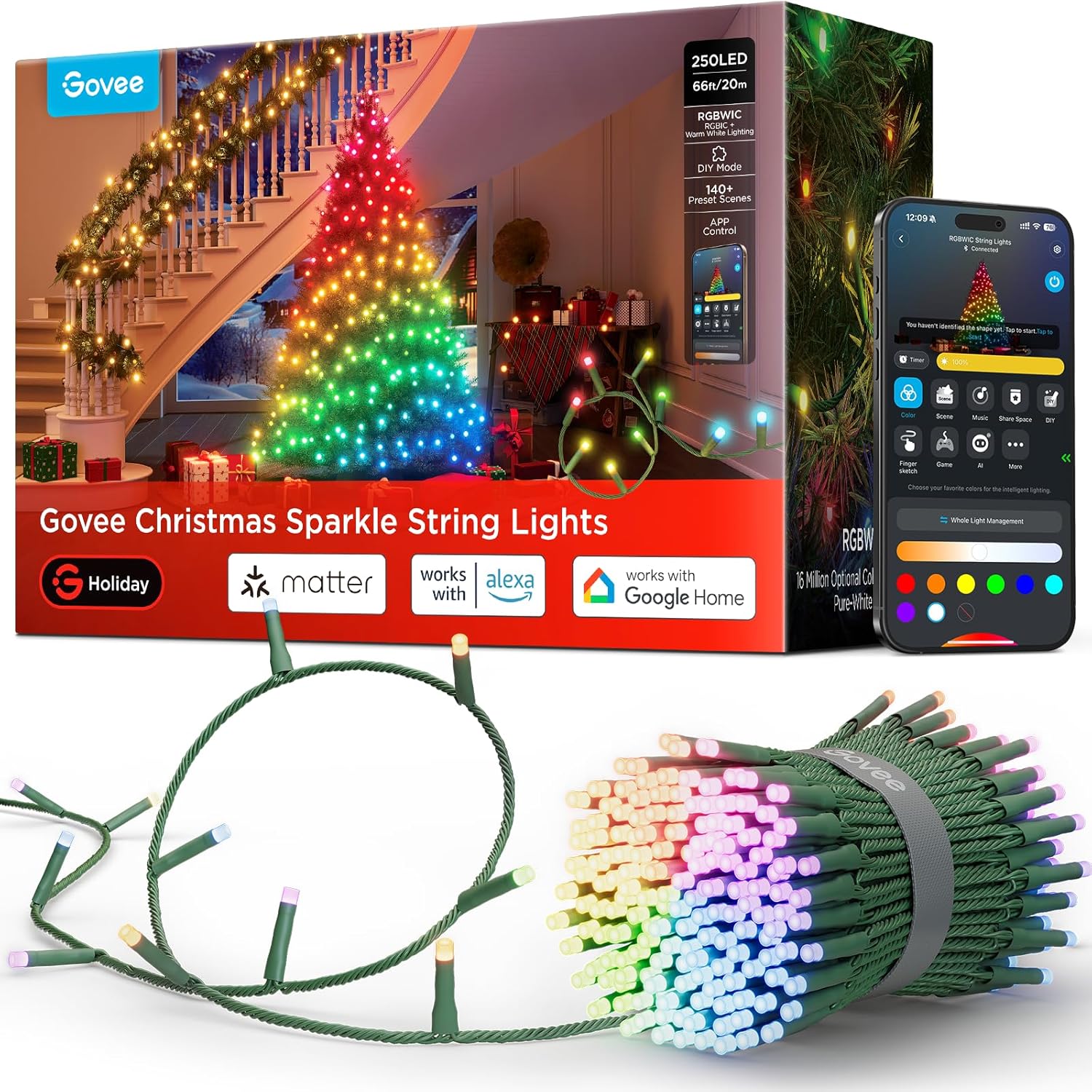
250 RGBIC LEDs across 66 feet, 140 built-in scene modes, no hub required—the Govee app handles it over 2.4GHz Wi-Fi, with Alexa and Google on board. For indoor scene lighting on banisters and windows, it’s the best value here.
The catch: this is an indoor strand. Reviewers confirm it’s not rated for outdoor exposure, so eaves mean Govee’s pricier outdoor line. The app also wants a free account—no subscription today, but the strand is only as smart as Govee’s cloud stays alive.
My take: best money here for indoors. For your roofline, skip it—you’d re-buy the outdoor version before December 10.
Twinkly Strings 400 RGB+W (105ft)—The Mapping King
Check price: Twinkly Strings 400 RGB+W, 105ft—about $140–160 at Amazon
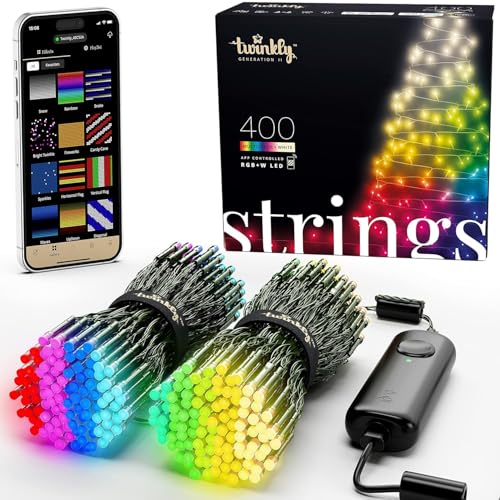
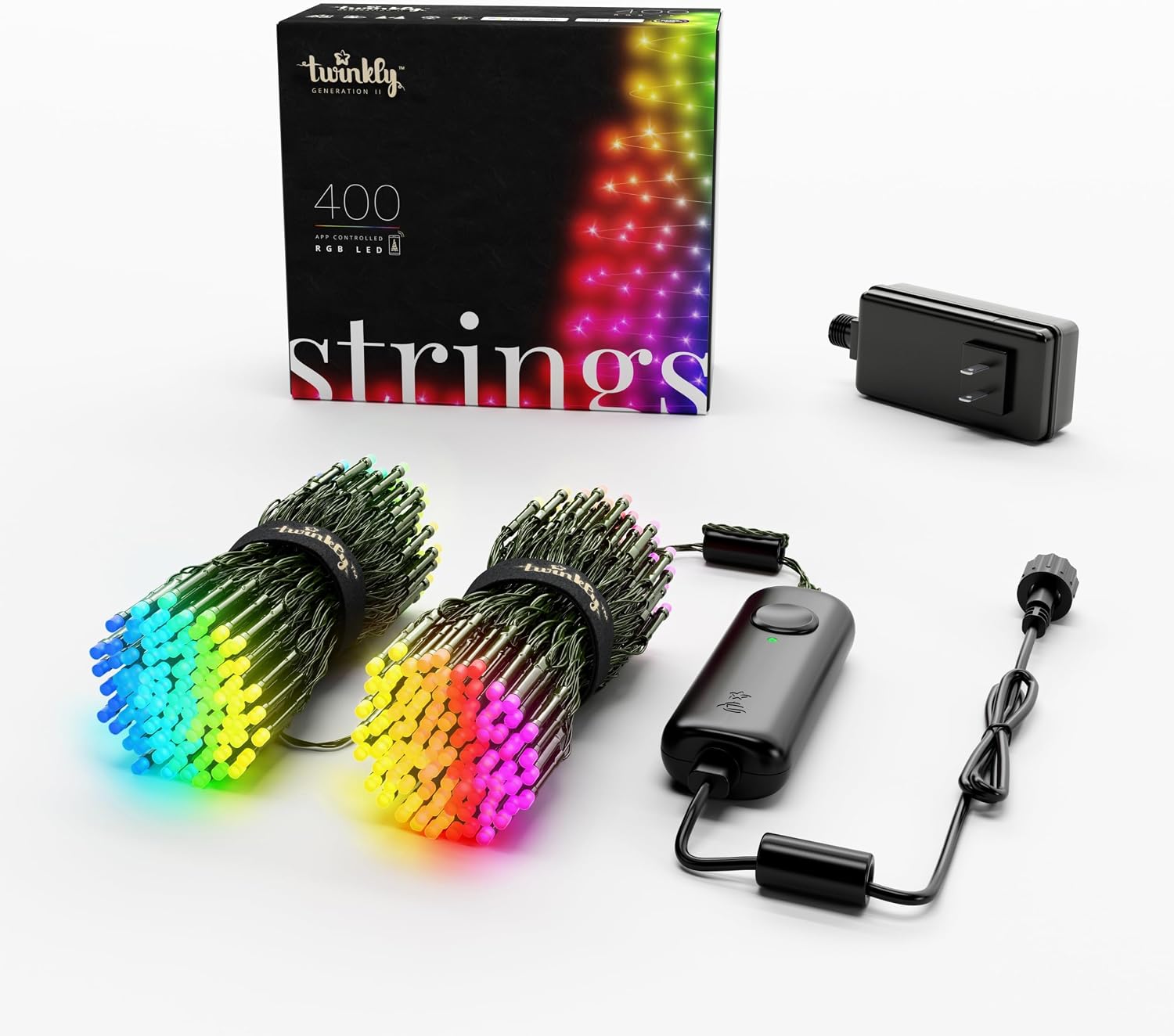
Twinkly does one thing nobody else here can: per-bulb mapping. The app maps each bulb’s actual position along the run, then plays effects along the real shape of your roofline—waves corner to corner, gradients eave to garage. Cheaper strands play canned patterns that ignore your house’s geometry; on Twinkly, your house is the screen. That’s why it costs about $40 more than the Sparkle.
Cons, honestly: it’s rated IP44—weather-resistant, not waterproof, so the controller wants shelter even when rain hits the bulbs. And setup fights cheap 2.4GHz routers—budget a frustrating first hour if yours is old.
My take: the display that stops traffic, if you respect the IP44 rating.
Govee Christmas Lights 2 (164ft)—The Long-Run Workhorse
Check price: Govee Christmas Lights 2, 164ft at Amazon
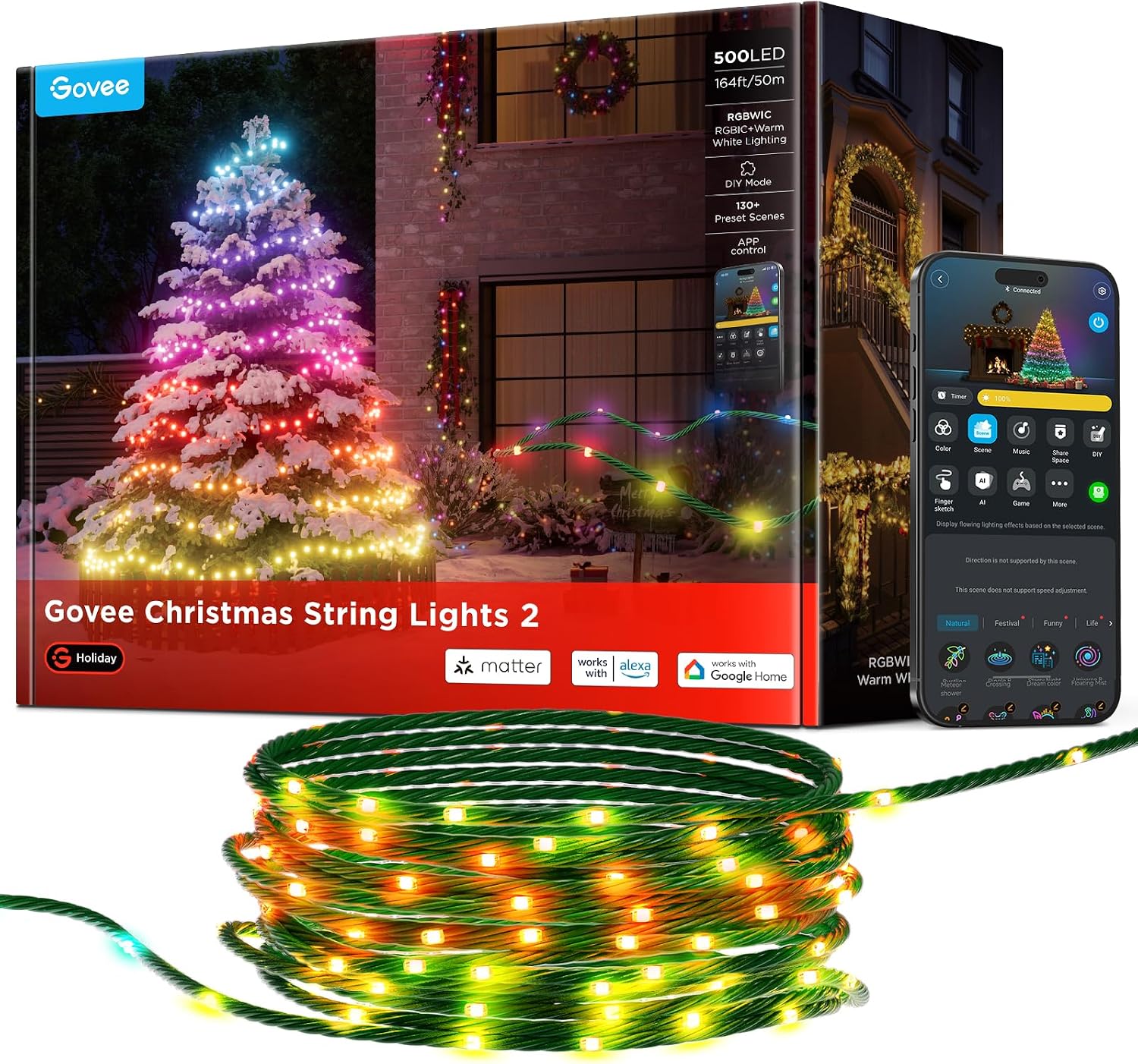
500 LEDs across 164 feet in one run—the pick for fence lines and rooflines where a 66-foot strand leaves you splicing extensions. Control comes two ways: the app over Wi-Fi and a physical remote that still runs the show when Wi-Fi hiccups—exactly what you want on a strand that’s hard to reach once it’s up.
The honest con: the adapter brick is bulky and not rated for outdoor use—the strand tolerates weather the power supply can’t. Plug in from a garage or covered outlet; don’t bury the brick in the hedges.
My take: the most feet-per-dollar for a full-yard display, as long as you respect where the brick lives.
Govee Christmas Tree Lights (480 LEDs)—For the Tree Specifically
Check price: Govee Christmas Tree Lights, 480 LEDs—about $140 at Amazon
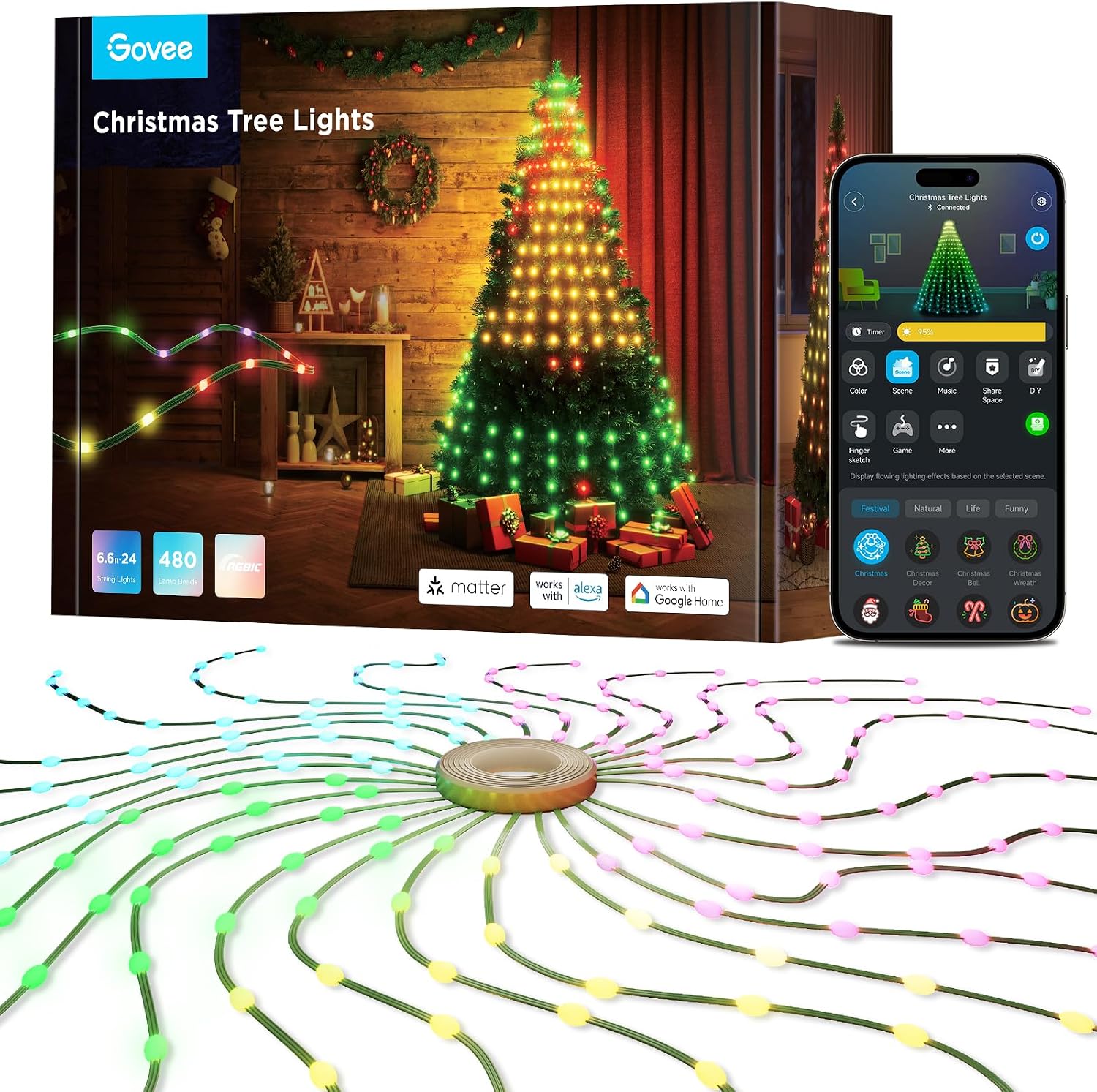
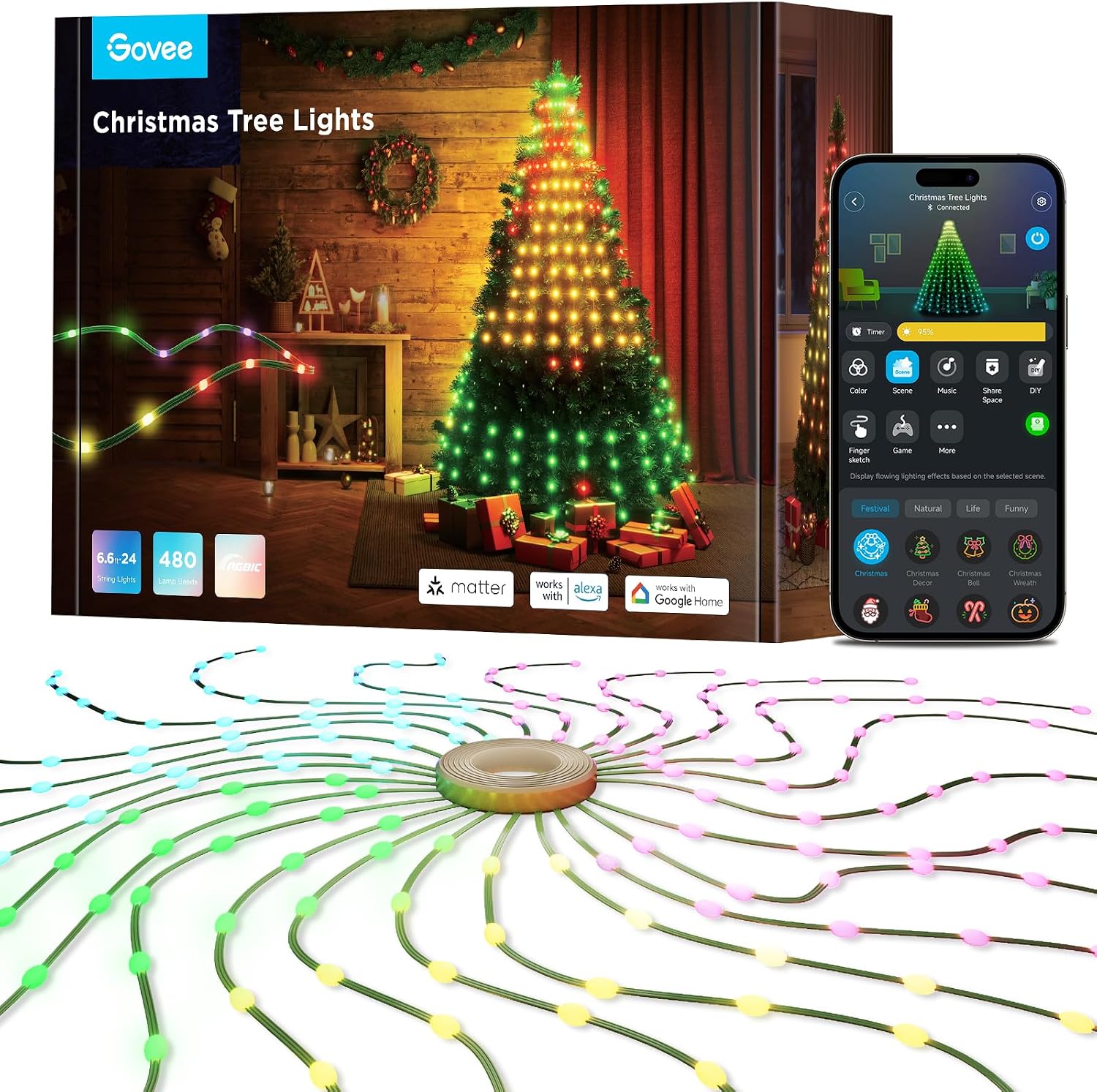
Six wrap segments shaped for a 6–7 foot tree, with music sync—the app listens and pulses the strand to whatever’s playing. The segments give the tree a designed look in one pass—no spiral wrap, no re-adjusting all December.
The con is the price: about $140 costs more than some artificial trees. It’s also a specialist: outside a 6–7 footer it has no job.
My take: worth it exactly once—the first Christmas morning you skip the wrap-the-tree ritual entirely.
Amazon Echo Dot (5th Gen)—The $40 Scheduler
Check price: Amazon Echo Dot (5th Gen)—about $40 at Amazon
The least exciting product on this page and the one I’d buy first. Every strand above connects to Alexa; build one routine—on at sunset, off at 10pm—and the Dot fires it nightly. The strand apps schedule too, but the Echo routine survives a reinstalled app or a spouse without your login.
Honest cons: it eats an outlet, and routines run through Amazon’s cloud—no internet, no schedule. But there’s no subscription at all, and the speaker is a bonus: ask for the forecast while you’re still on the ladder.
My take: about $40 for the cheapest automation here, and it works with every strand above. Buy this first.
One note before you buy: these strands dip hard in mid-November, and Prime members get them delivered free before Thanksgiving—with painless returns if a strand arrives dead. Not a member? Start the 30-day Amazon Prime free trial and cancel once the lights are up. Match strand to location: the Sparkle 66ft indoors, or the Twinkly 105ft for the roofline.
What Actually Saves Money (And What Doesn’t)
The schedule is the whole game. An LED display left on around the clock burns about $16 a season; on a sunset-to-bedtime schedule, about $4. Scheduling alone claws back roughly $12 a season.
The LED swap does the heavy lifting. A 320-watt incandescent display on the same schedule costs about $15 a season; the LED version about $4. Against a display that burned all day, that’s about $55 a season—$220 over four seasons, more than the Sparkle and Echo Dot combined.
Dimming is a real dial. LED draw scales with brightness. Effects at 70% cut the bill proportionally and photograph better anyway.
The adapter is what actually dies. A weather-killed brick means a cheap replacement power supply, not a $120 replacement strand.
A basic smart plug is the honest budget alternative. It schedules any dumb strand and captures most of the on/off savings—you just lose scenes, mapping, and music sync.
The subscription trap is soft but real. Govee and Twinkly both want free accounts, and the smarts live in their clouds. No annual fee today—but if either sunsets an app, a $140 strand becomes a dumb LED string. The Echo Dot is the only thing here with no account and no subscription.
The Savings Math: What One Season Costs
Assumptions, because anyone who hides them is selling something: 45 nights, six hours a night, about $0.17 per kWh, roughly 320 watts for a chunky old incandescent display, about 90 watts for a similar LED one.
- Old incandescent display, left on around the clock: about $59 a season.
- Same incandescents, scheduled six hours a night: about $15.
- Smart LED display, left on around the clock: about $16.
- Smart LED display on a sunset routine: about $4.
Swap the incandescents for any strand here, schedule it with the Echo Dot, and the display costs about $7 a season in electricity—counting the roughly $3 a year the Dot sips in standby. Coming from the always-on habit, that’s about $54 back every year: the Dot pays for itself before New Year’s. LED strands are rated for tens of thousands of hours—this purchase should outlast the ladder you hang it from.
Keep reading: once the lights schedule themselves, the next win is scenes—Smart Lighting Scenes That Stick: 4 Setups That Run Your Evenings on Autopilot covers the routines that run your evenings year-round. And a display worth automating is worth watching: Blink vs. Wyze Outdoor Cameras: The 4-Year Math Nobody Runs Before Buying runs the same math on keeping an eye on it.
CleverHomeClub is reader-supported. As an Amazon Associate, I earn from qualifying purchases. That means if you buy through one of the links above, I get a small commission at no extra cost to you. I only recommend devices I’d run in my own home.
🏠 Get Your Free Smart Home Setup Checklist
Join our newsletter and get this free printable plus weekly tips.
Frequently Asked Questions
Are smart Christmas lights worth the extra cost?
Smart Christmas lights are worth it if you want automated scheduling, app-controlled scenes, or animated effects. A basic smart plug can schedule any dumb strand for the on-off savings alone, but per-bulb mapping (Twinkly) and scene modes (Govee) are features only smart strands offer. Over four seasons, the LED swap and scheduling save about $220 in electricity versus always-on incandescents.
Do Govee Christmas lights work with Alexa?
Yes. All Govee Christmas light strands connect to Alexa over 2.4GHz Wi-Fi without a hub. You can build routines in the Alexa app to turn strands on at sunset and off at bedtime. An Amazon Echo Dot (about $40) is the cheapest way to schedule any smart strand on autopilot.
Can you leave smart string lights out in winter?
Check the IP rating before leaving smart string lights outside. Twinkly Strings are rated IP44, which means weather-resistant but not waterproof u2014 the controller needs shelter from direct rain. Govee indoor strands should never go outside. Always protect the adapter brick, which is typically the weakest link in any outdoor setup.
Liked this guide? Get the next one in your inbox — the smart home starter checklist is free too.
✓ You're in — check your inbox.
No spam. Unsubscribe anytime. We never share your email.